
Refresh Imported Content
You can refresh your data to retrieve the latest changes in your sheets.
If you edit, refresh, or reprompt an imported object, Strategy for Google Sheets™ will not remove custom cell formatting.
-
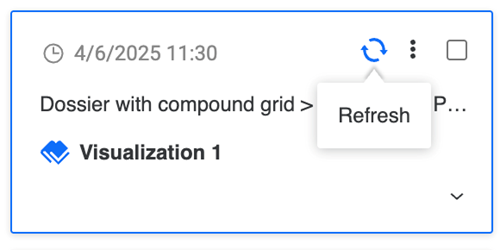
To refresh one object, hover over it and click Refresh.
-
To refresh all objects, select the check box next to Select All and click Refresh.