
Strategy ONE
Viewing Report Services documents
Report Services documents contain several representations of key performance indicators (KPIs), giving you various perspectives of your business data.
Switching between panels in a document: panel stacks
A document may contain panels that you can switch between, similar to slides in a slideshow.
You may be able to switch between panels by tapping a button or link, or by swiping left or right.
Some panels contain a gray bar at the bottom with a row of circles, as shown below. Each circle represents a panel and the currently displayed panel is marked with a dark circle.
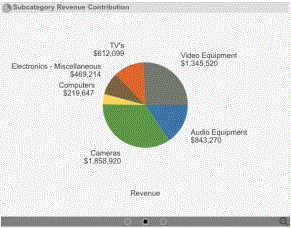
To switch between panels, swipe left or right.
Viewing and navigating tabs in a document
A document may contain multiple tabs across the bottom of the document, called layouts. To view a layout, tap the tab with the layout's name.
Each layout functions as a separate document and can have its own grouping of data, formatting, and so on. The following image provides an example of a document with multiple layouts.
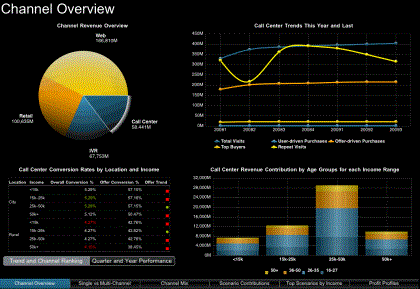
Tap the name of a layout to switch to it.