
Prepare Data Before Importing
Prerequisite
Starting in Strategy One (April 2026), you must have the Web run Dashboard privilege to edit and prepare datasets before importing as the prepare data dialog leverages the dashboard interface prior to import. This privilege is required for Mosaic and Strategy One users.
Prepare Data
- Connect to the Strategy for Office. Strategy for Office opens in a sidebar.
- Select a starting cell
-
Click Import Data. If you already imported data, click Add Data.
- Select a report or dataset.
- Click Prepare Data.
-
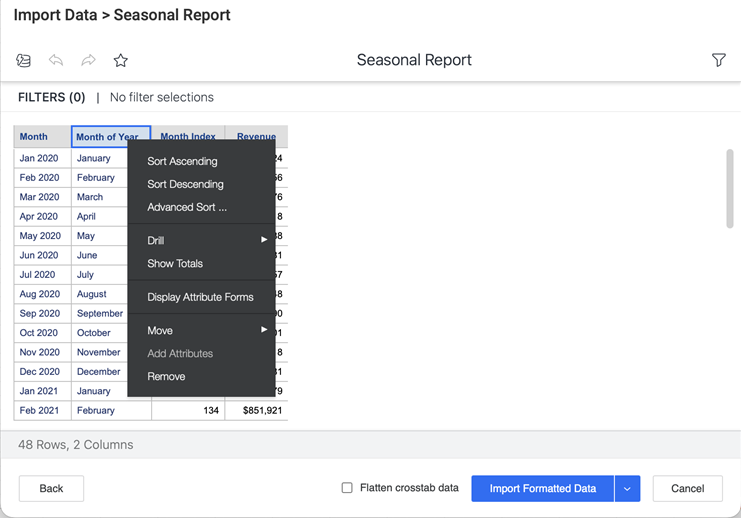
Perform data manipulation as you would in Library. You can use context menus and filters to adjust your data before importing it into Excel.
Changes made in the Prepare Data dialog will not affect the original object.
-
Click Import. Do not close the window until the import is complete.
- If your selected cell range is unavailable, you can select another active cell or a new sheet as the import destination. Click OK.