
Edit a Drill Map in the Report Editor
Starting in Strategy (October 2026) you can edit a drill map in the report editor.
Prerequisites
To create and edit drill maps, you must have the UseDrillMapEditor privilege.
Access Drill Map Editor
-
Navigate to your report.
-
Right-click the report and select Edit.
-
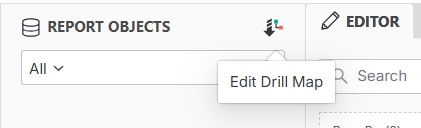
Click Edit Drill Map in the top right corner of the Datasets panel.
-
Drill Map Editor opens.
For details on editing a drill map, see Create Drill Maps