
Share a Folder
Starting Strategy (August 2026) you can share a folder using a hyperlink.
Sharing folders using a hyperlink is supported in Library Web only.
Prerequisites
The Library application must be configured to allow browsing folders. See Customize Application Components.
Generate a Folder Hyperlink
-
In the Navigation pane, click Browse Folders.
-
Find the folder to share.
-
Right-click your folder and choose Copy Link.
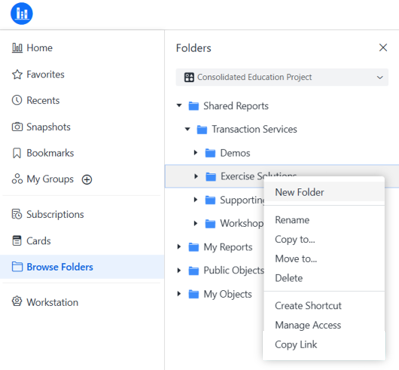
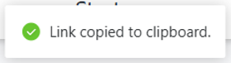
A notification displays that the link is copied to your clipboard.
You can share the link as you would any hyperlink. If a Library session is active, the link directs the user to the folder. If a Library session is not active, the user is prompted to login before being directed to the target folder.