Move Object
Starting in Strategy One (March 2026), you can move your object from one slide to another slide while retaining connection to the object list in the sidebar.
- Connect to the Strategy for Google Slides™ add-in. Strategy for Google Slides™ opens in a sidebar.
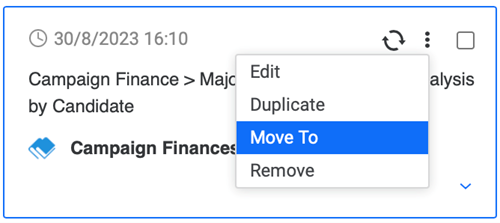
- Hover over your data or select the check box next to the objects you want to move and click More Items
 .
. - Click Move To.
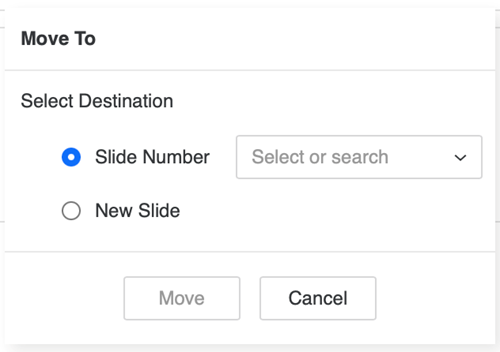
- Select a new destination for your object:
- Slide Number: Select the slide that you want to move your object to.
- New Slide: A new slide will be created and your object moves to the new slide.