
Strategy ONE
Analyzing data overlaid on images: Image Layout
Some documents may include data overlaid on an images as a colored area. For example, a document may contain an image of a store's layout, where each section of the store is a separate colored area.
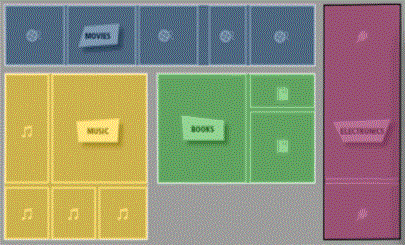
You can view data for separate colored sections on the image. Tap and hold your finger over a bubble or colored area. A tooltip is displayed, with the metrics for that area.