
Strategy ONE
Analyzing relationships between items in a Network visualization
You can use a Network visualization to quickly view data about relationships between individual items. Each node represents a business attribute, while the lines between them represent the relationships between them. An example of a Network visualization that displays the relationships between product categories and subcategories is shown below.
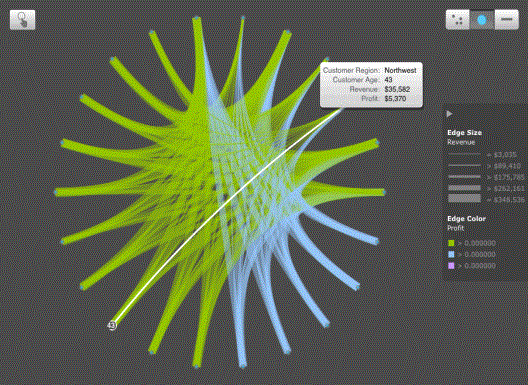
You can perform the following actions on a Network visualization:
-
To view information about a node and its relationships to other nodes, tap the node.
-
To zoom into the visualization, use the pinch gesture.
-
To switch between arranging nodes in a force-directed layout, circular layout, and linear layout, tap F, C, or L, respectively.
-
To manually arrange nodes, tap Select, and tap and drag nodes to rearrange them.