Migrate Command Manager Scripts to Mstrio Python
Starting in Strategy One (June 2026), you can use the Script Migration Assistant to convert legacy Command Manager scripts to Mstrio Python scripts within Workstation.
Prerequisite
The Use Scripts Python privilege is required to access Scripts in Workstation, which is where the Command Manager to Python Convertor tool is accessible.
- Open the Workstation window and connect to an environment.
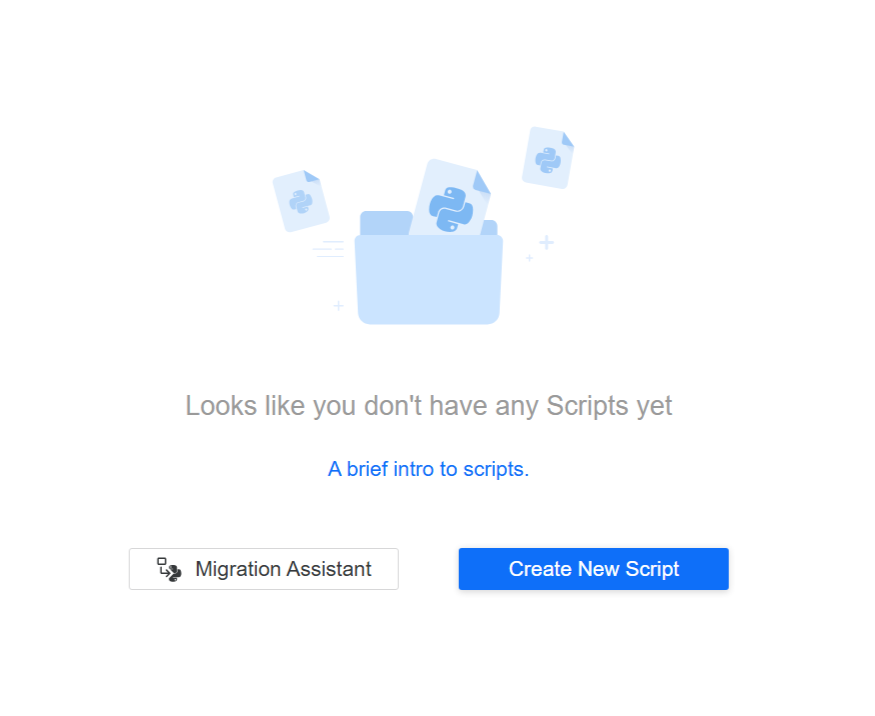
- In the Navigation pane, click Scripts.
- Click Migration Assistant.
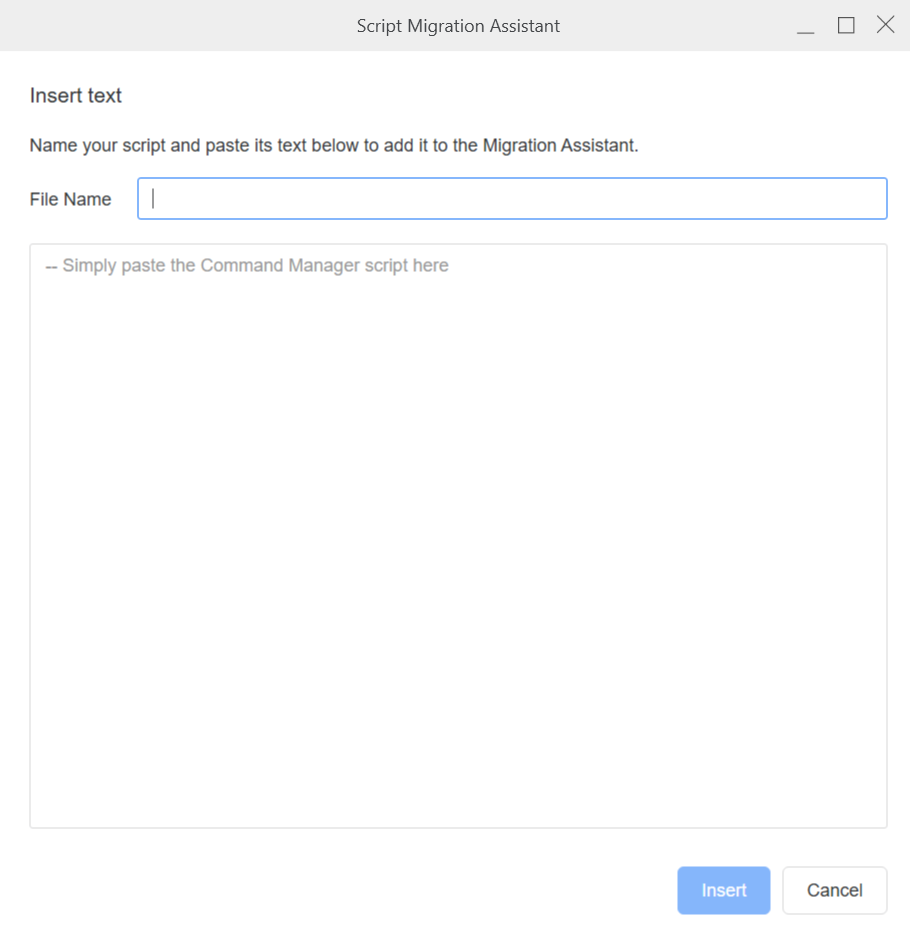
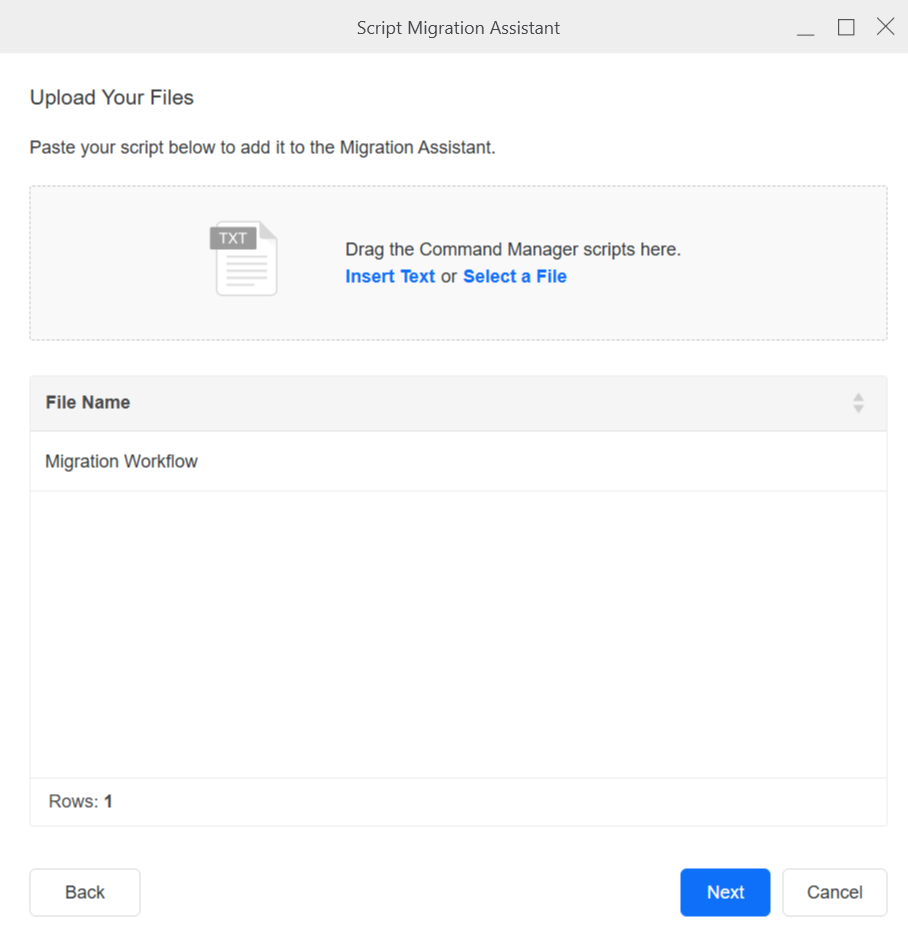
- You can add Command Manager scripts in a variety of ways, either via drag and drop, pasting from the clipboard, or uploading a file.
-
Click Next once all your scripts are added.
- Click Save
 .
.
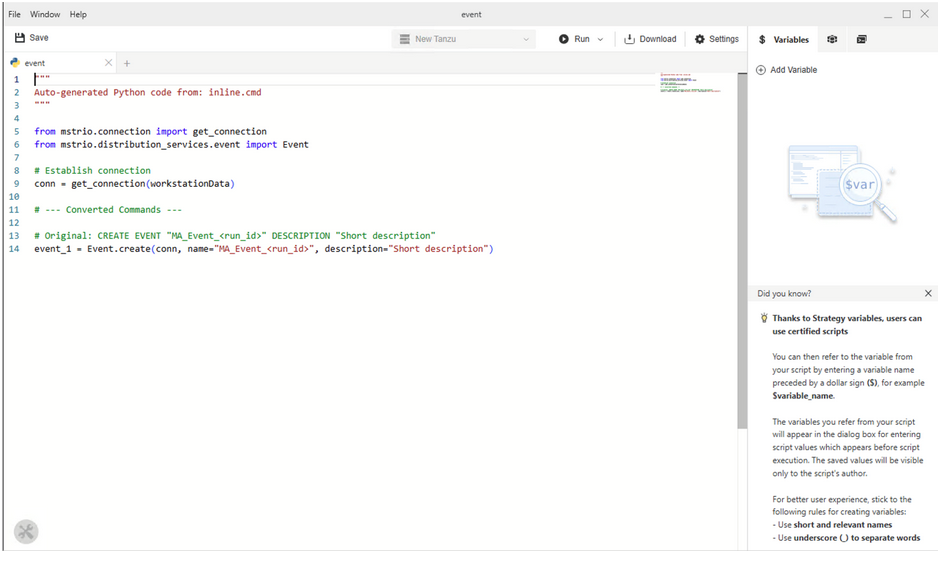
Your script(s) will be converted to Python. Note that certain modules might not be available. In such cases, the tool will add commented out code such that it’s clear a full conversion did not occur. The commented-out code describes what was not converted and provides suggestions. Below is an example of a successful conversion.