
Multi-tenant Object Isolation: Connect to Clients Using an Application Link
Starting in Strategy One (June 2026), if you are using multi-tenant isolation, you can connect to clients such as Strategy for Google Sheets™, Strategy for Google Slides™, and Universal Semantic Layer.
-
Connect to your multi-tenant enabled environment.
For more information, see Preview Feature: Multi-tenant Object Isolation.
-
In the Navigation pane, click Applications.
-
Hover over the application that has access to the client you are attempting to connect to and click Copy link .
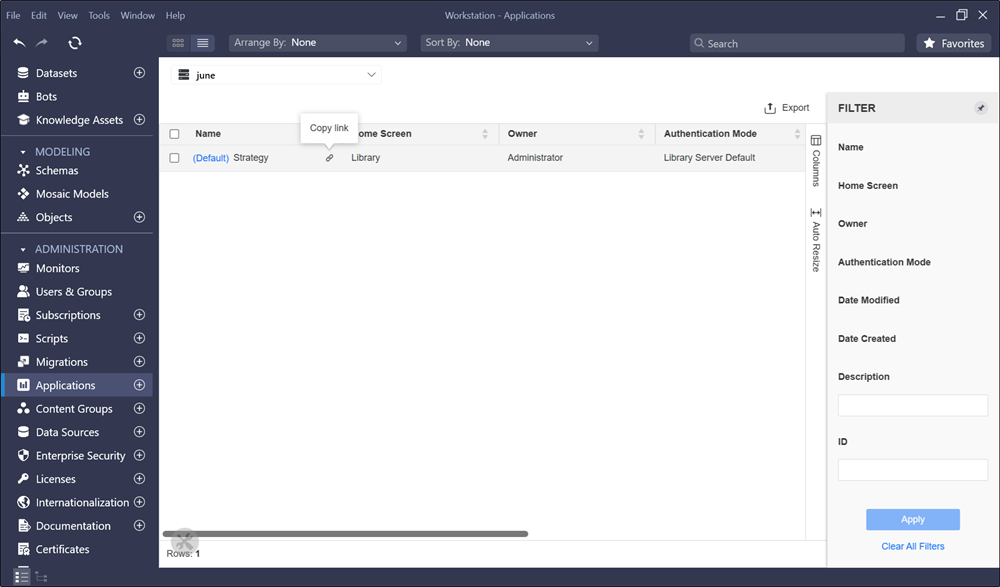
When connecting to the client, use the copied link to authenticate. If authentication fails, the user tenant may not match the application tenant.