Open Workstation
This topic is for Workstation on web, the browser-based experience for Workstation workflows. For information on Workstation on the desktop, see Strategy Workstation (Desktop) Help.
To use Workstation, you must have the Use Workstation privilege.
Open Workstation
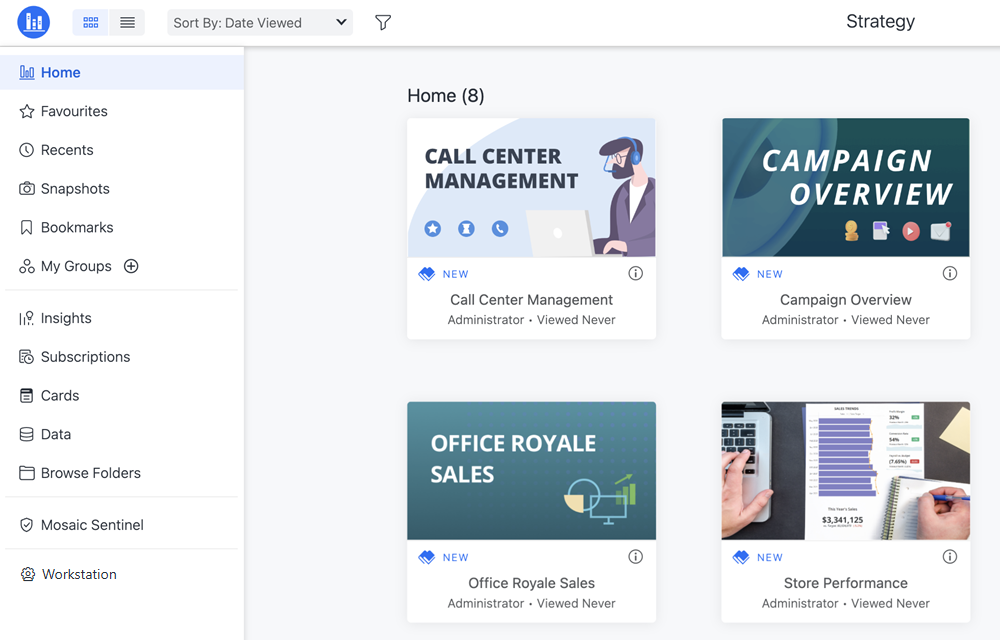
From the Strategy Library Home page, click Workstation in the sidebar.
-
If the sidebar is not open, click the Library icon
 in the top left corner.
 -
To open Library, enter the following in your browser:
https://HOST_NAME:PORT/MicroStrategyLibrary/app
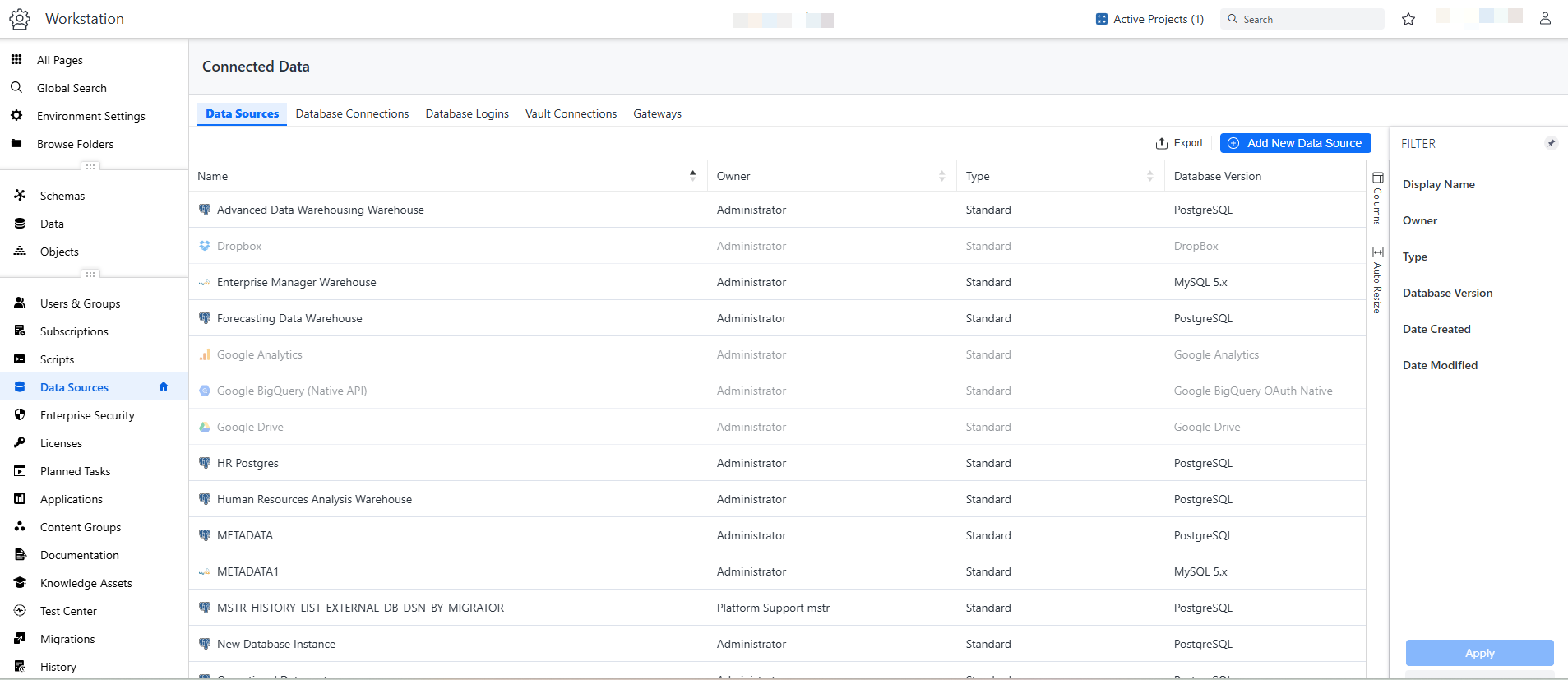
The Workstation page opens. You can set which folder (such as Data, Objects, or Enterprise Security) displays as the homepage, depending on what you most frequently use.
To gain more screen space, collapse the Navigation pane on the left. Click the Collapse Sidebar icon in the top left corner. Click it again to re-display the Navigation pane.