Documentation
Starting Strategy One (May 2026), you can choose MDX cube as your documentation object category.
You can generate detailed, exportable documentation by object type or folder. You can include basic properties, definition, advanced properties, components, and dependents. You can specify which basic properties to include, such as location, description, and ID.
You must have the Use project documentation and Monitor cluster privileges to access the Documentation blade, generate documentation, and use related REST API/Python script functionality.
You must configure the Strategy One Storage Service. This service is required to enable document generation, storage, and export functionality in Workstation.
If you have fencing enabled, you can not generate project documentation. To create project documentation, fencing must be at least temporarily disabled. For more information on fencing, see Configure Fencing.
Create New Documentation
-
Open the Workstation page.
- In the Navigation pane, click Documentation.
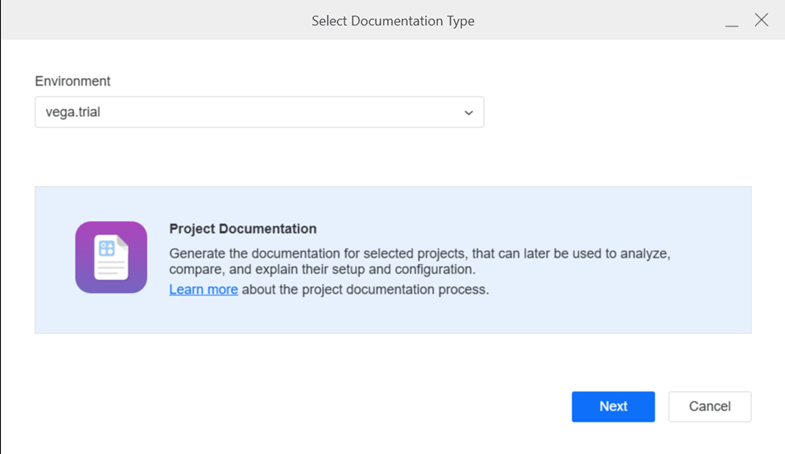
- In the top right corner, click Create Documentation.
-
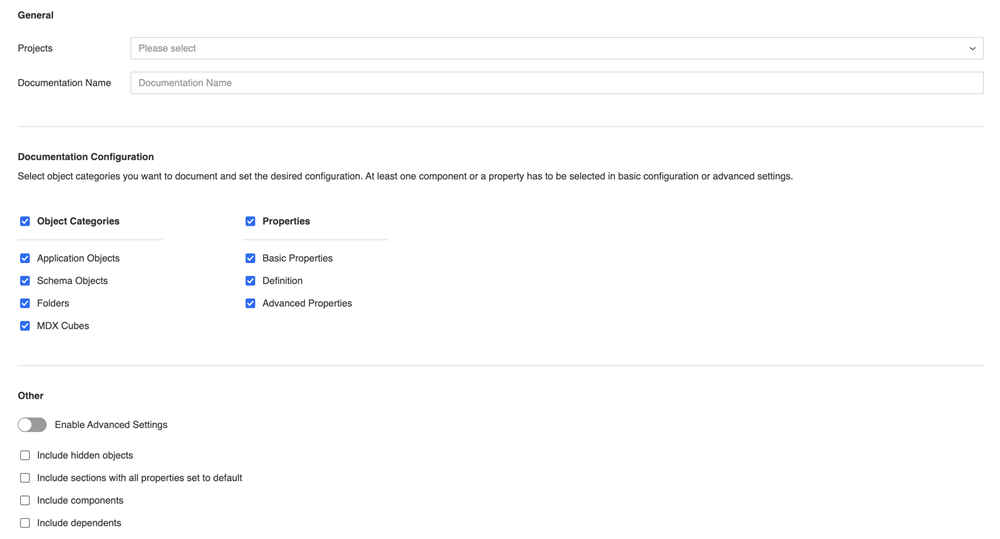
In the Basic Configuration tab, add a Name. Select the Projects to include. You can include one, multiple, or all available projects.
Some fields may vary depending on your Strategy One version.
-
You can select object categories you want to document. To create documentation, you need at least one object type and property selected. The currently supported objects are:
-
Schema Object Types: Attribute, Fact, Function, Hierarchy, Logical Table, Security Filter, Transformation, Warehouse Partition Mapping, Metadata Partition Mapping.
-
Application Object Types: AutoStyle, Base Formula, Consolidation, Custom Group, Data Mart Report, Dashboard, Derived Element, Document, Drill Map, Filter, HTML Document, Hypercard, Intelligent Cube, Metric, MTDI Cube, Predictive Metric, Prompt, Report, Search, Shortcut, Subtotal, Template.
-
Folders
-
MDX Cubes: MDX Attribute, MDX Hierarchy, MDX Metric, MDX Table, MDX Prompt.
-
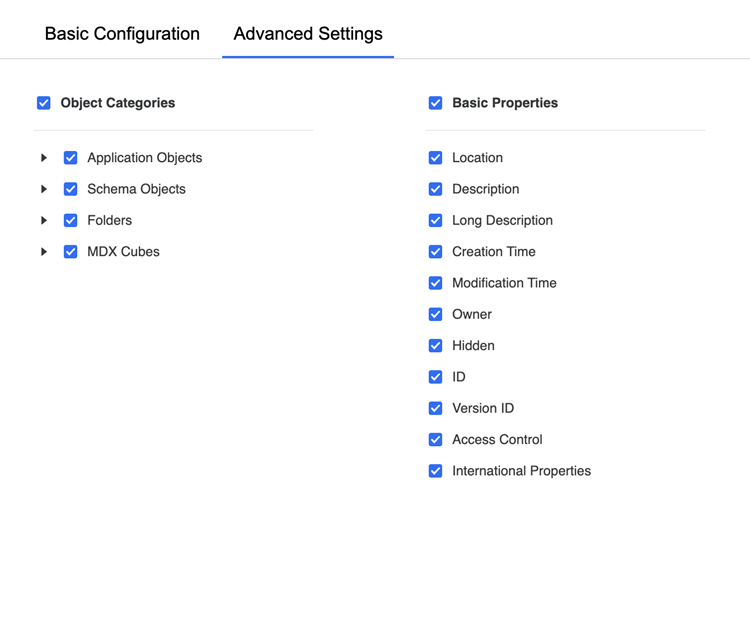
If you want to be more granular with your object categories and basic properties selections:
-
Toggle on Enable Advanced Settings.
-
Click the Advanced Settings tab.
-
Select the object categories and basic properties to include.
-
- Click OK.
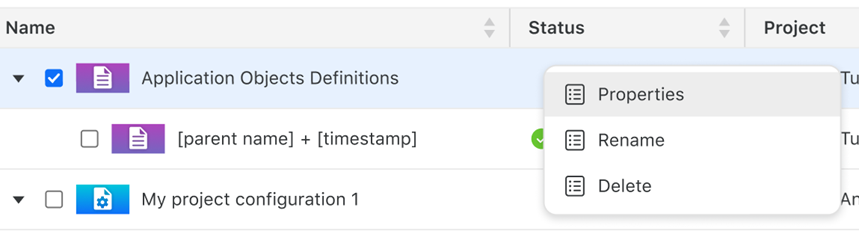
- To view the configuration, right-click the documentation and select Properties. You can update the Name and Description.
- To view each run of the documentation, expand the project documentation, as shown above.
- To regenerate the project documentation, right-click the project documentation and select Re-Run.
Export Documentation
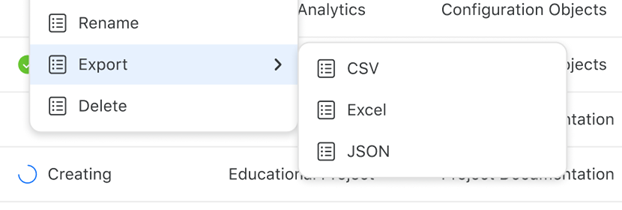
Users can generate and export documentation to download the output in Excel, CSV, or JSON format.
- Open the Workstation window.
- In the Navigation pane, click Documentation.
- Right-click the documentation to export, point to Export, then select the format: CSV, Excel, or JSON.
View Documentation
Users can view project documentation
-
Open the Workstation page.
- In the Navigation pane, click Documentation.
- To view in another browser tab, right-click the documentation to view and select Open.
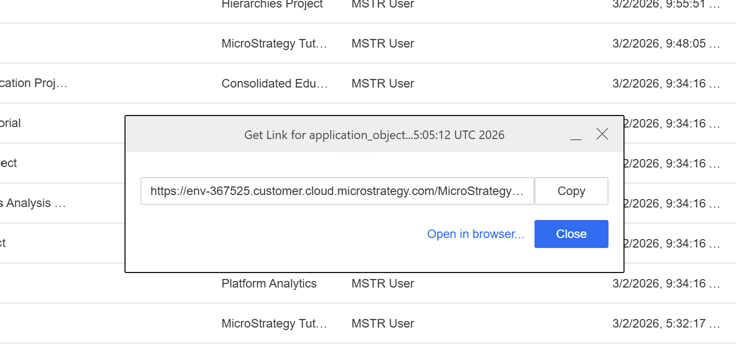
- To create a link instead, right-click the documentation to view and select Get Link. You can Copy the link or Open in Browser.