Delete User Profile Folders
To delete all user’s profile folders, all profiles must be loaded.
- Open the Workstation window.
- In the Navigation pane, click Users & Groups.
- In the left pane, click All Users, if the list of users is not displayed.
- Select the user or users to delete.
- Right-click the selection and choose Delete.
-
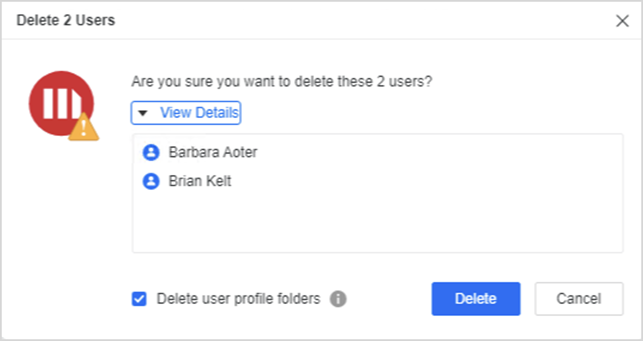
Select Delete user profile folders.
To delete all user’s profile folders, all profiles must be loaded.
-
Click Delete.