
Duplicate Users
Security filters are not automatically assigned to duplicate users.
- Open the Workstation window.
-
In the Navigation pane, click Users & Groups.
- In the left pane, click All Users, if the list of users is not displayed.
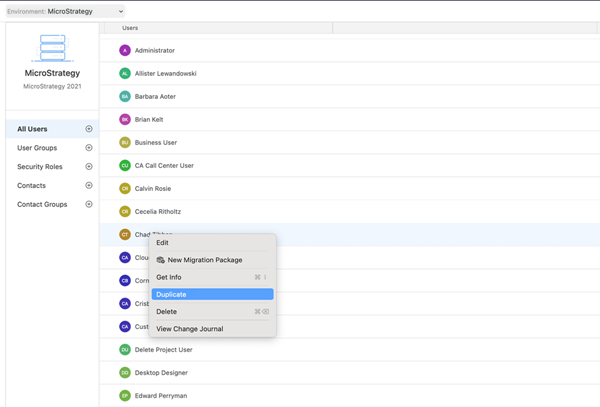
- Right-click the user to duplicate and choose Duplicate.
- Enter the new user's Full Name, Email Address and type, and Username (Login).
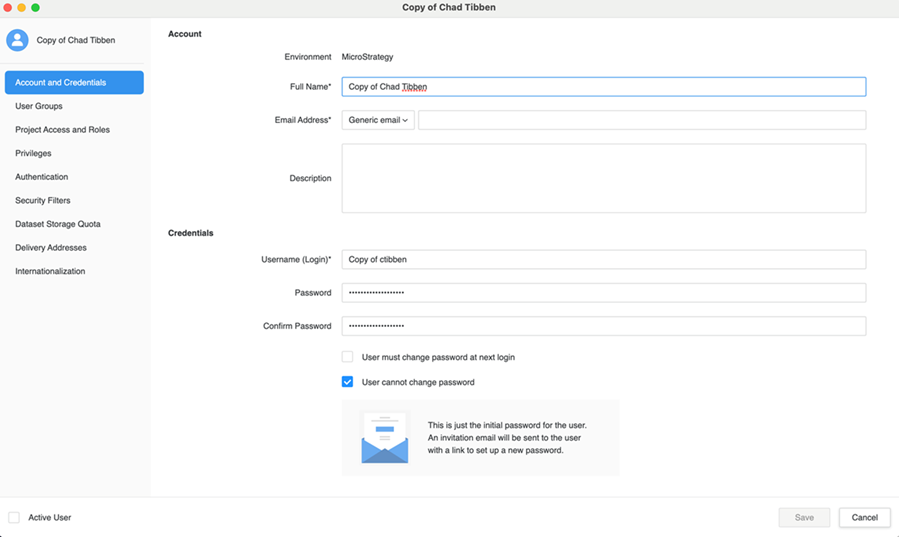
- Click Save.