Localize Metadata Objects
Translate Metadata Objects
- Open the Workstation window.
- In the Navigation pane, under Analysis, click any of the folders.
- Highlight one or more objects in the environment that you want to translate.
- Right-click the objects and choose Translate.
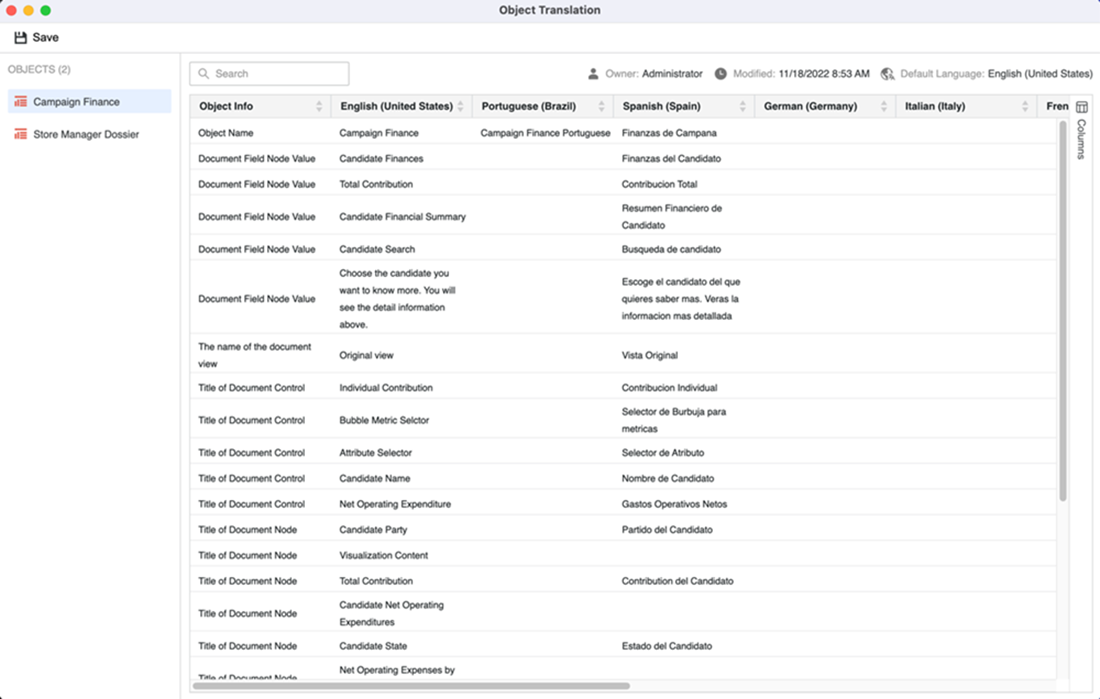
- In the Objects pane of the Translate window, select the object to translate. Once you select an object, translations for all supported languages display.
- Click Columns on the right to display all the languages supported by the project.
- Select the check boxes next to your preferred languages.
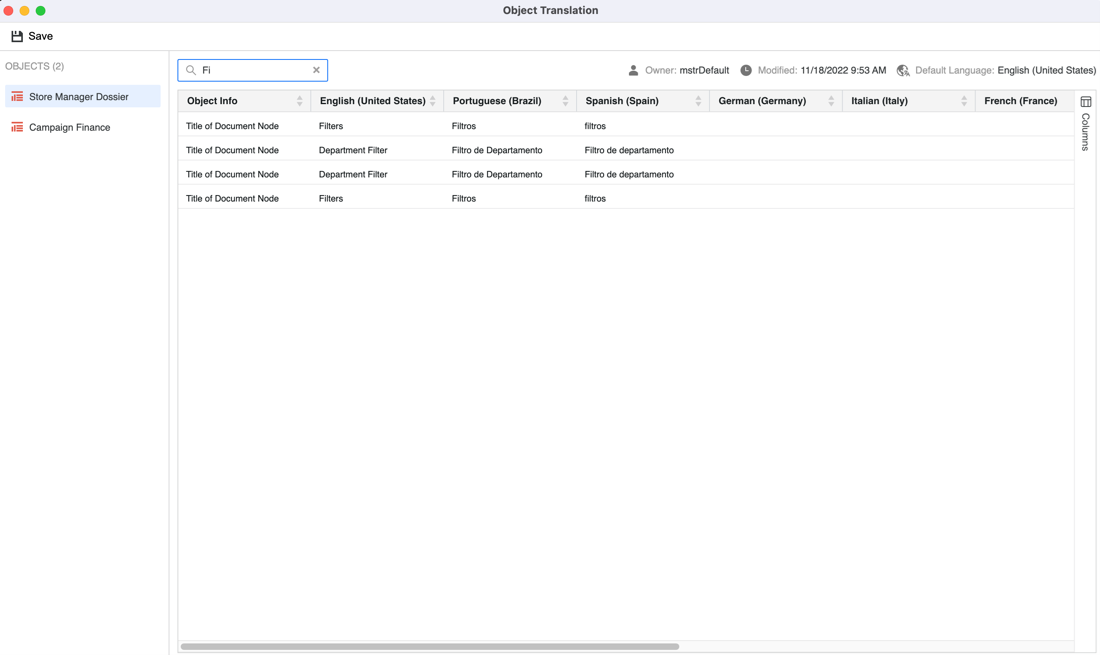
- You can then use the search bar to find an object. If you want to edit the translation, double-click a cell and enter the preferred translation.
- Click Save.