
Show Hidden Objects
You can view or hide specific objects in your projects, including folders and applications. This allows you to see a less crowded view of objects.
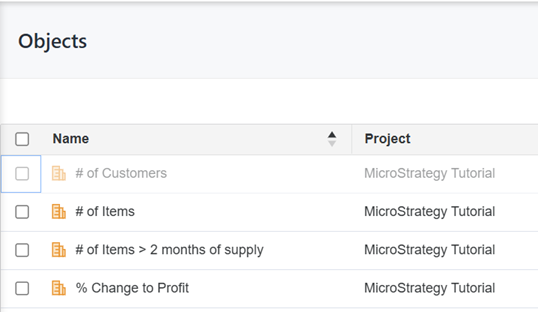
If you need to view the hidden objects, you can display all the hidden objects in your environment as semi-transparent, as shown below:
Show All Hidden Objects
-
Open the Workstation page.
- Click the Account
 icon on the top right.
 -
Enable Show Hidden Objects.
-
To hide the objects again, disable Show Hidden Objects.