
Delete Projects
If you delete a project, all objects are permanently deleted and can only be retained by a metadata backup.
-
Open the Workstation page.
- In the Navigation pane, click Monitors.
-
In the left pane, click Projects.
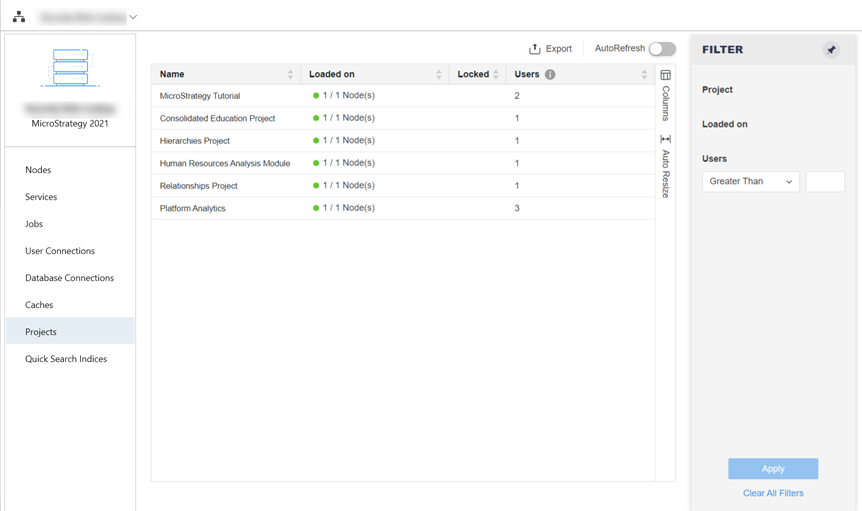
- Right-click a project and choose Delete. This option is only available for unloaded projects.
- Enter the name of the project.
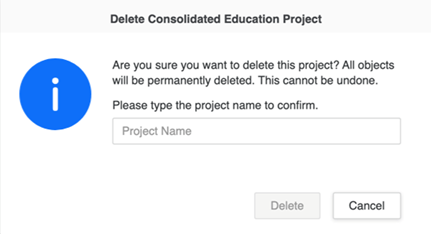
- Click Delete.