
Edit Migration Packages
Objects in a package are refreshed automatically.
-
Open the Workstation page.
-
In the Navigation pane, click Migrations.
-
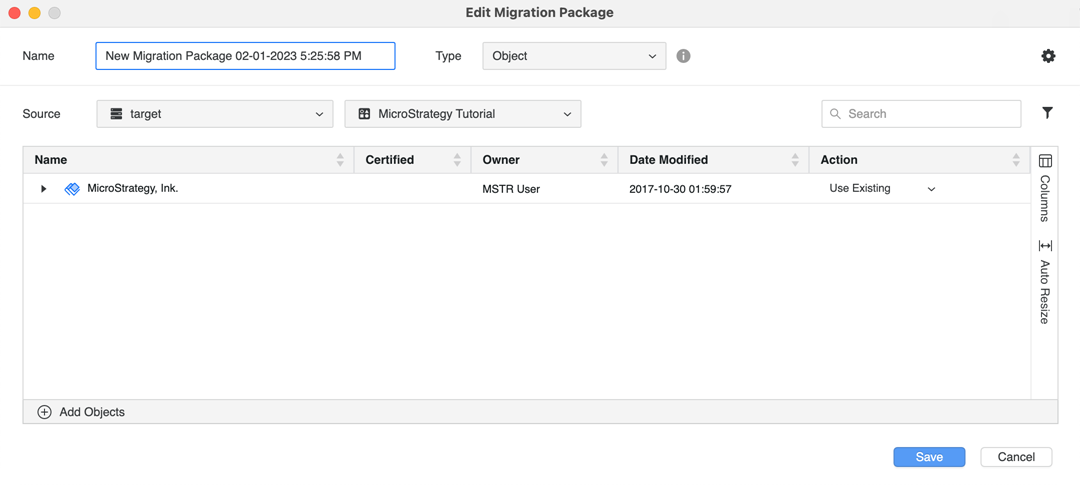
In the Package tab, right-click a package and choose Edit. See Create Migration Packages for more information about using the fields on this dialog.
-
Click Save.