
Upload and Download Packages
Upload Package
-
Open the Workstation page.
-
In the Navigation pane, click Migrations.
-
Click
 Upload.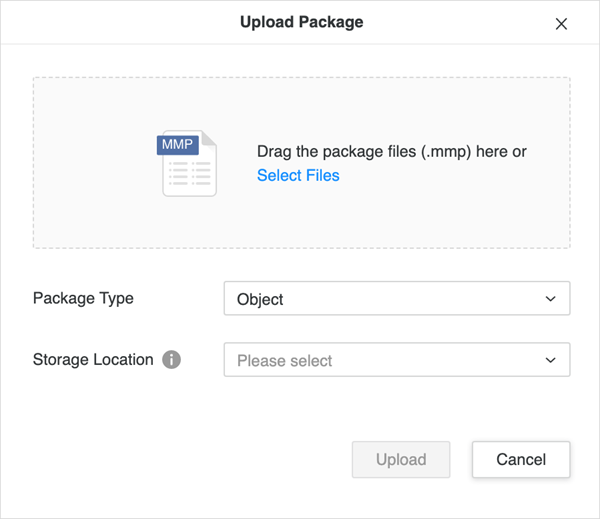
-
Select the package file (*.mmp).
-
Select the Package Type.
-
Select the Storage Location.
-
Click Upload. The package then displays in the Monitor page with a status of Uploaded.
Download Package
-
In the Navigation pane, click Migrations.
-
Right-click a package and choose
-
-
Download Source Package: Download the package.
-
Download Rollback Package: Download the undo package to remigrate.
-