Create and Edit Transactional Reports
Use transactional reports to perform write-back operations to a database to enable real-time updates and interactions with data.
-
Open the Workstation page.
-
In the Navigation pane, click Objects.
-
Click Create New Object and choose Transaction Report.
To edit a transaction report, right-click the report in the Objects page and choose Edit.
-
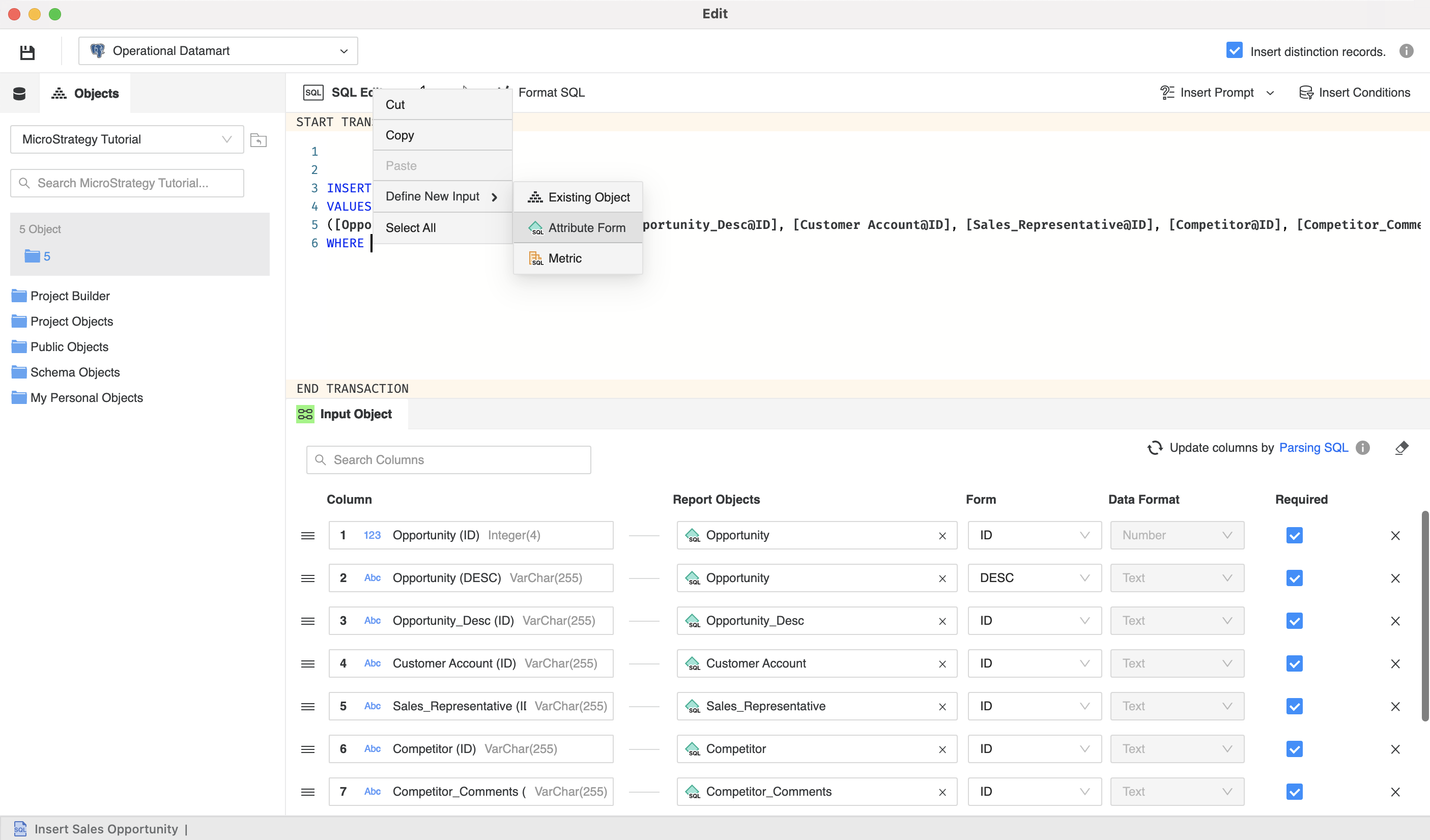
Right-click in the SQL Editor to define new input for transactions with either an existing attribute or metric, or by creating one.
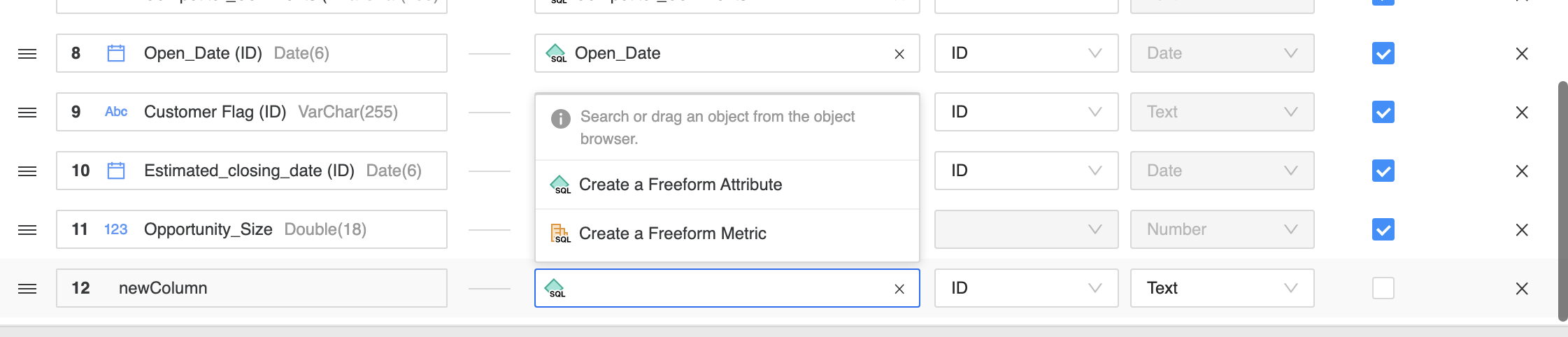
A new line for the transaction appears.
-
Depending on the option you chose, you can either define new objects or search for existing ones.
For existing objects you can also use drag objects from the left pane.
-
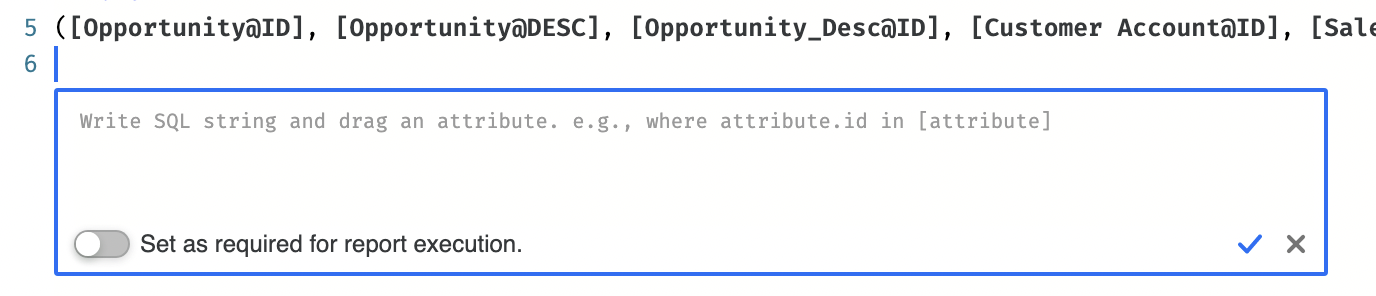
From the right side of the editor you can choose Insert Prompt or Insert Conditions.
-
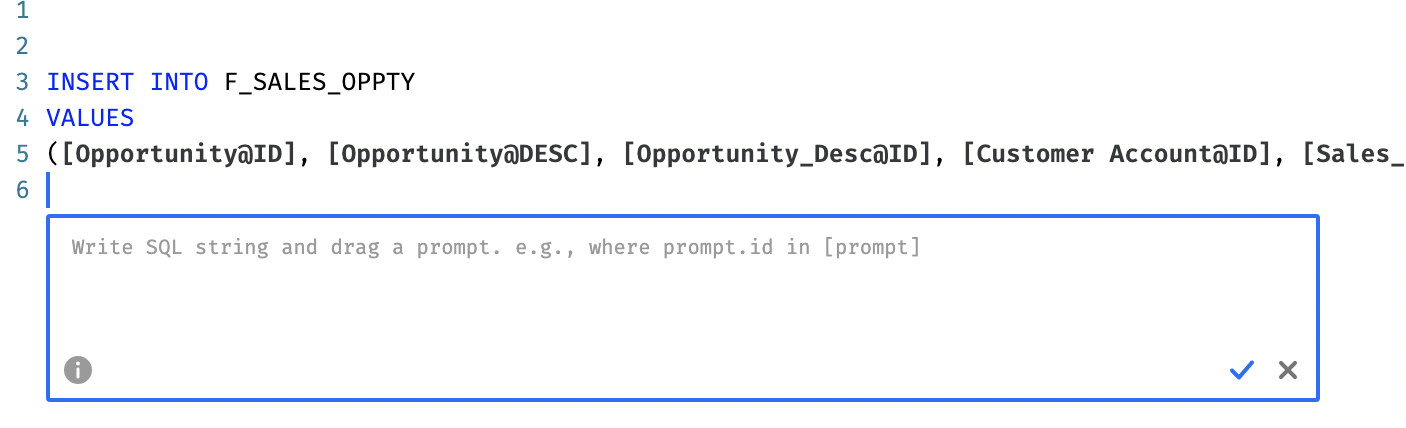
A new section appears where you can define:
-
Value prompts
-
Conditions
-
-
Click Save
 .
.
Only value prompts are supported