Improve Project Loading and Schema Update Performance by Optimizing Intelligent Cubes Processing for Dynamic Sourcing
Starting in Strategy One (June 2026) project schema is renamed to Mosaic schema as Strategy's Mosaic capabilities expand. If you are using a Strategy version that does not include Mosaic, references to Mosaic schema are replaced with project schema.
During project loading or Mosaic schema updates, if dynamic sourcing is enabled for at least one of the projects and there are active cube caches available for the projects, the Strategy data engine must process cubes with an active cube cache status for dynamic sourcing functionality to be ready to work. With an increasing number of cubes being processed and/or increasing cube complexity, more time is needed for cube processing since project loading and schema updates take longer.
The most obvious workflows where you can expect to see performance improvements:
-
Project loading during Strategy Intelligence server startup
-
Project loading and reloading
-
Mosaic schema updates
Check If Dynamic Sourcing is Enabled for a Project
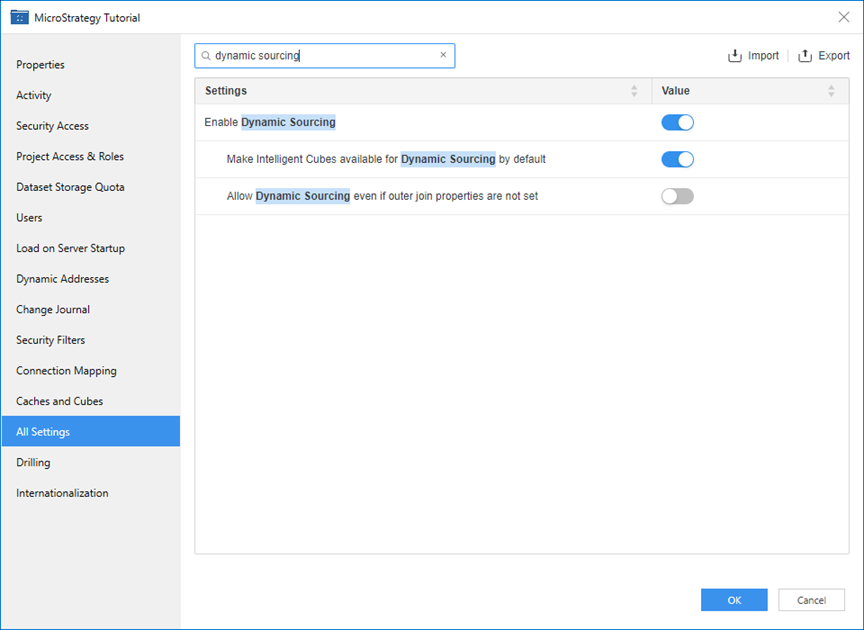
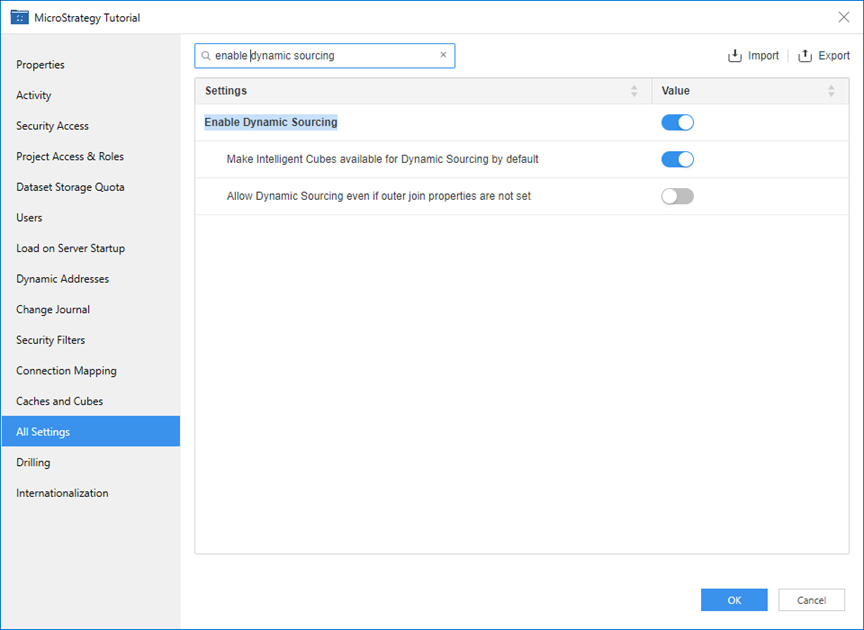
This performance enhancement benefits use cases where dynamic sourcing is enabled for at least one of the projects and there are active cubes caches available for the projects. To check if dynamic sourcing is enabled for a project, follow the steps below.
-
Open the Workstation page.
-
In the Navigation pane, click Projects.
-
Right-click the project and choose Properties.
-
In the left pane, click All Settings.