
Preview Python Scripts
Strategy Workstation allows you to preview your Python scripts. Users must have Modify or Full Control ACLs for the script to preview the contents.
-
Open the Workstation page.
- In the Navigation pane, click Scripts.
-
Double-click a script.
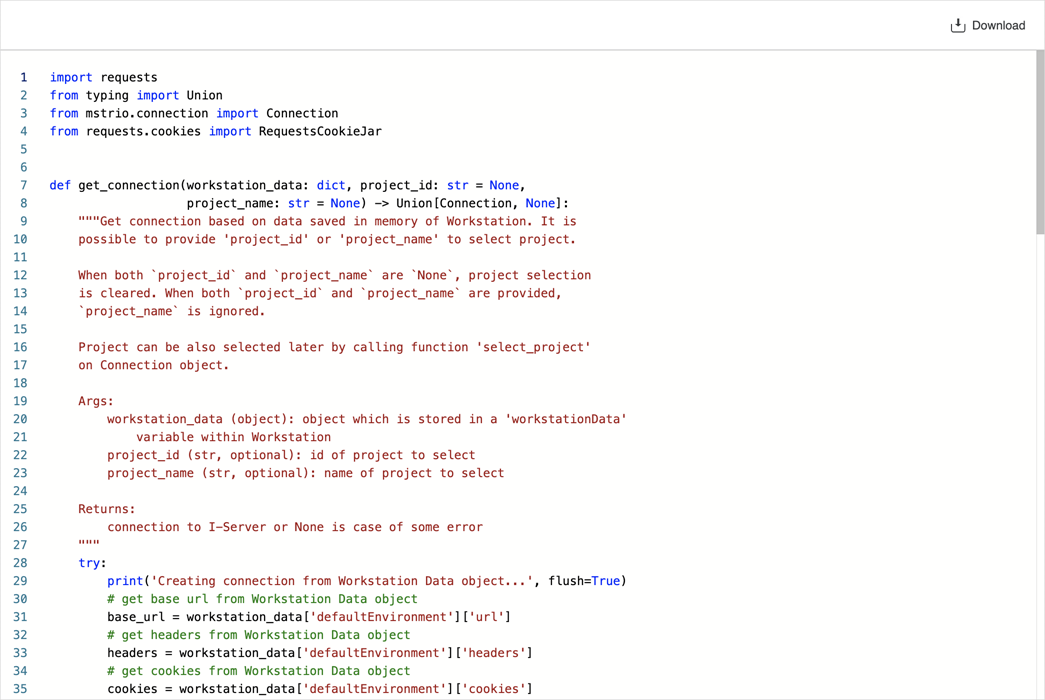
- Click Download
 to save the script as a .py file to your local machine.