Start Working with Python
Workstation contains a built in Python interpreter so you can use Python without installing any additional software. This topic shows how to access Python functionality in Workstation.
-
Open the Workstation page.
-
In the Navigation pane, click Scripts. Scripts are available for each connected environment and appear in a grid.
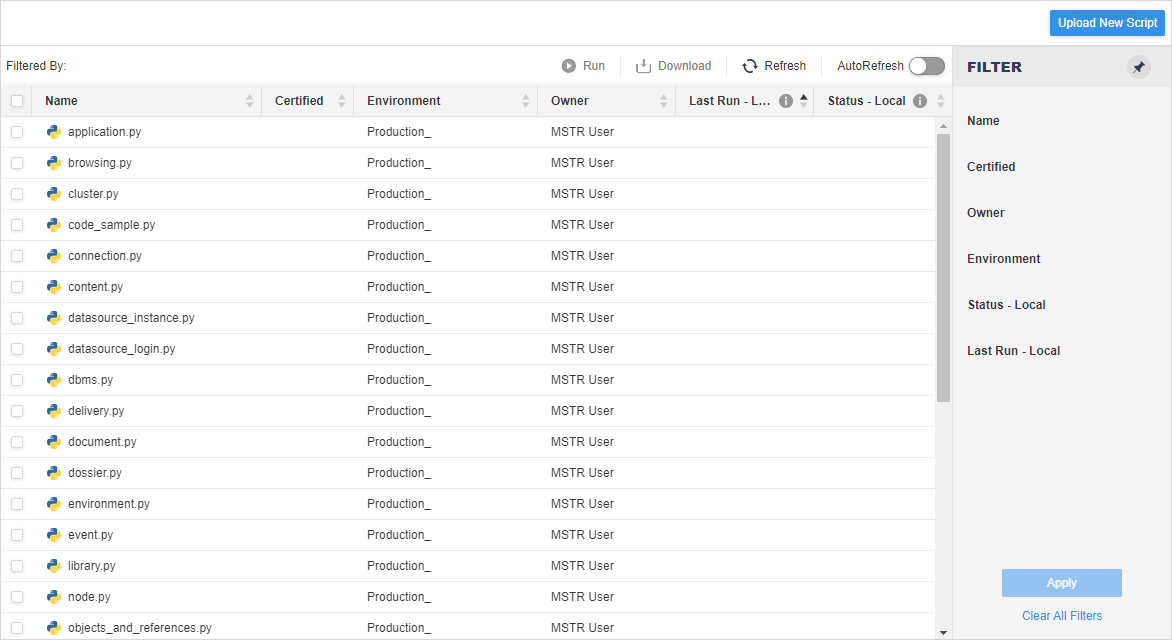
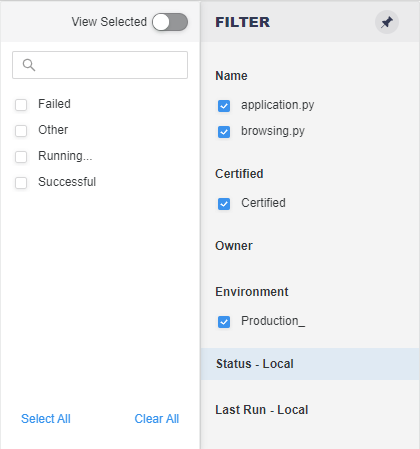
- Use the Filter panel to make multiple selections and apply them to the grid.
- Right-click a script to access additional functionality.