
Configure the Storage Service
You must configure Strategy Storage Service for a environment to use migrations and agents.
Strategy Storage Service supports the following environments:
-
AWS S3
-
Azure Blob
-
Google Cloud Storage
-
Shared Folder
- Open the Workstation page.
- In the Navigation pane, click Environment Settings.
-
In the left pane, click Storage Location.
- In Strategy Storage Service, choose AWS S3, Azure Blob, Google Cloud Storage, or Shared Folder.
-
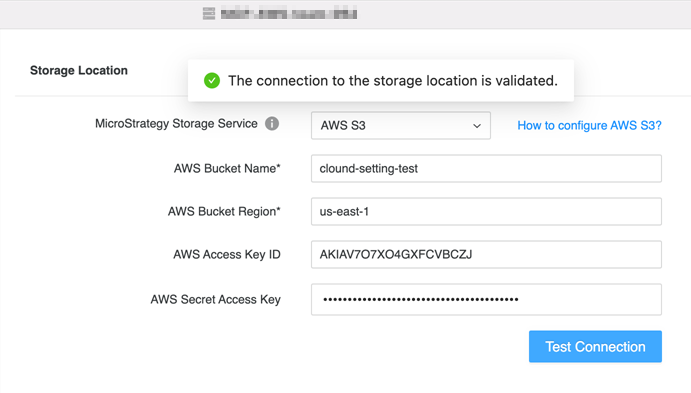
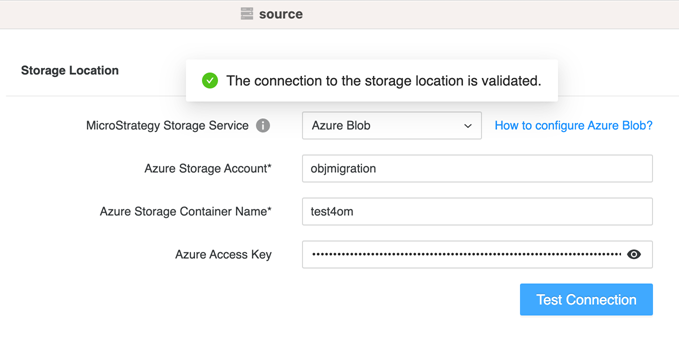
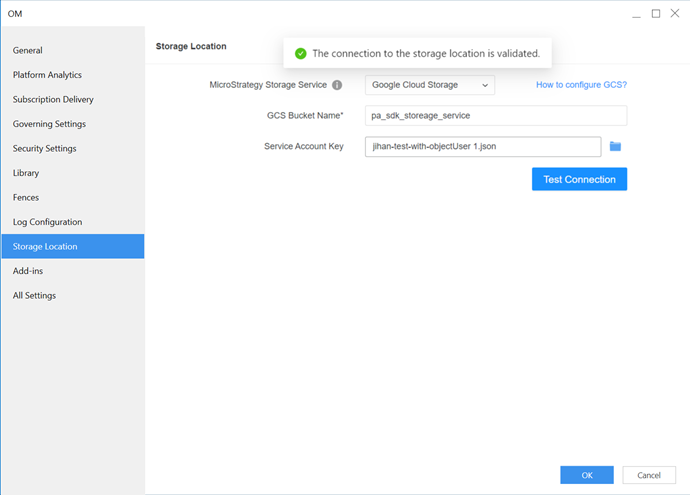
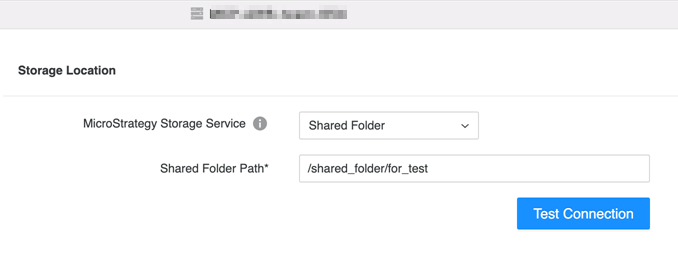
Enter the corresponding information and test the connection if necessary.
AWS S3
Azure Blob
Google Cloud Storage
Shared Folder
-
Click Save. The configuration takes effect immediately.