
Export Users as CSV
Administrators can export users, user groups, contacts, and contact groups to CSV, allowing them to easily create backups of user data, perform bulk edits or updates, and analyze user information using external tools or software, enhancing overall administrative efficiency and flexibility.
-
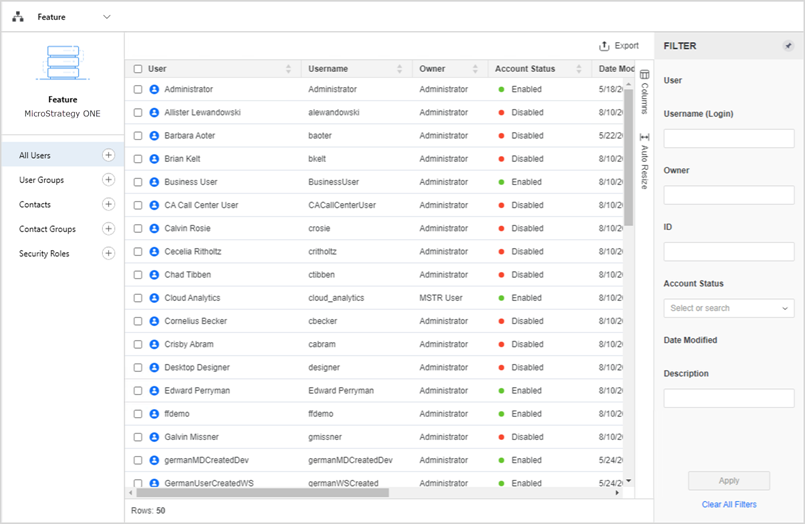
Open the Workstation page.
- In the Navigation pane, click Users & Groups.
-
-
Users
-
User Groups
-
Contacts
-
Contact Groups
-
-
Click
 Export.