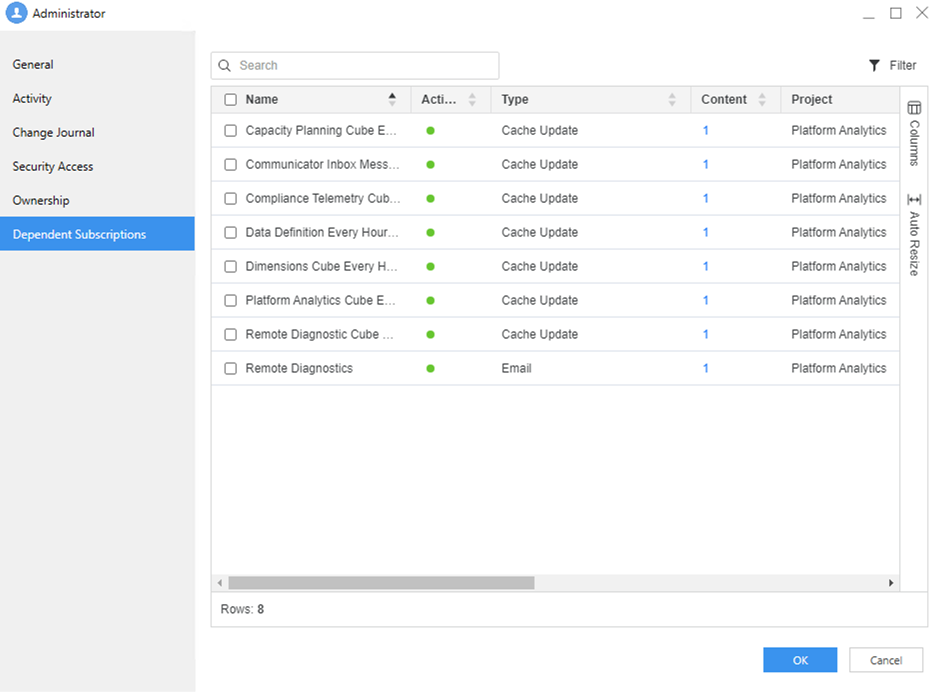
View Dependent Subscriptions for a User
Administrators can easily access dependent subscriptions for a specific user. This streamlines the process of viewing subscriptions associated with a particular user, enhancing administrative efficiency.
-
Open the Workstation page.
-
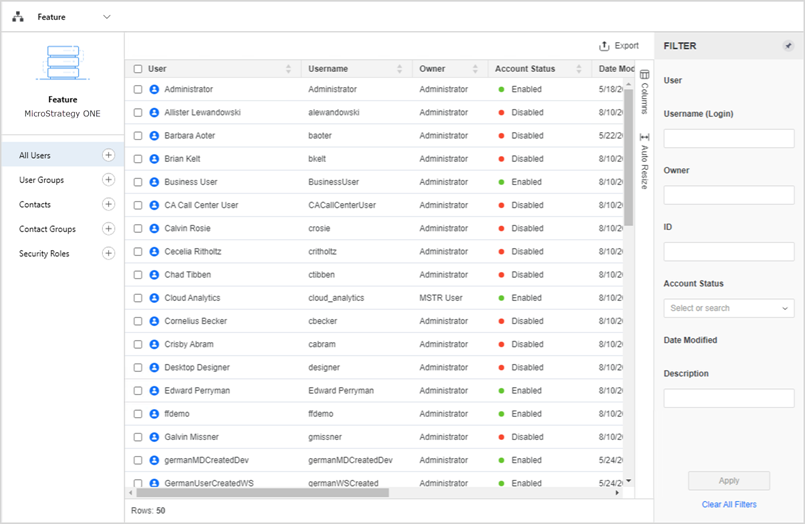
In the Navigation pane, click Users & Groups.
-
-
Right–click a user, point to View, and then select Dependent Subscriptions.
View the subscriptions.
-
Click OK.