
View, Edit, or Delete a Delivery Device
-
Open the Workstation page.
- In the Navigation pane, click Environment Settings.
- Click the Environment tab.
- In the left pane, click Subscription Delivery
-
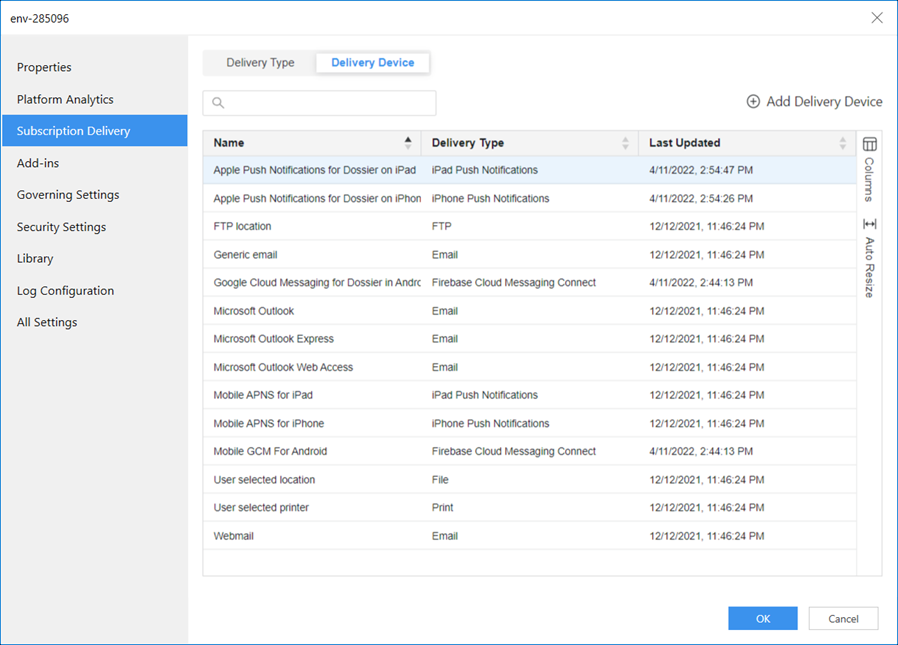
Click Delivery Device.
-
Right-click a delivery device and choose whether to Edit, view its Properties, or Delete.
-
-
Right-click the database connection and choose Translate.
-
Click the Columns dialog box to display all the languages supported by the project.
-
Select the check box next to your preferred languages.
-
Double click a cell and enter the preferred translation.
-
Click Save.
-
-
Click Save.